Snel rekenen.
Eenvoudig opgelost.
Numsy is een menubalk-rekenmachine voor macOS. Eenvoudig, stijlvol en met één klik geopend. Met doorlopende geschiedenis, snelle percentages en aanpasbaar design.
Numsy in actie
Ontdek alle functies in minder dan een minuut
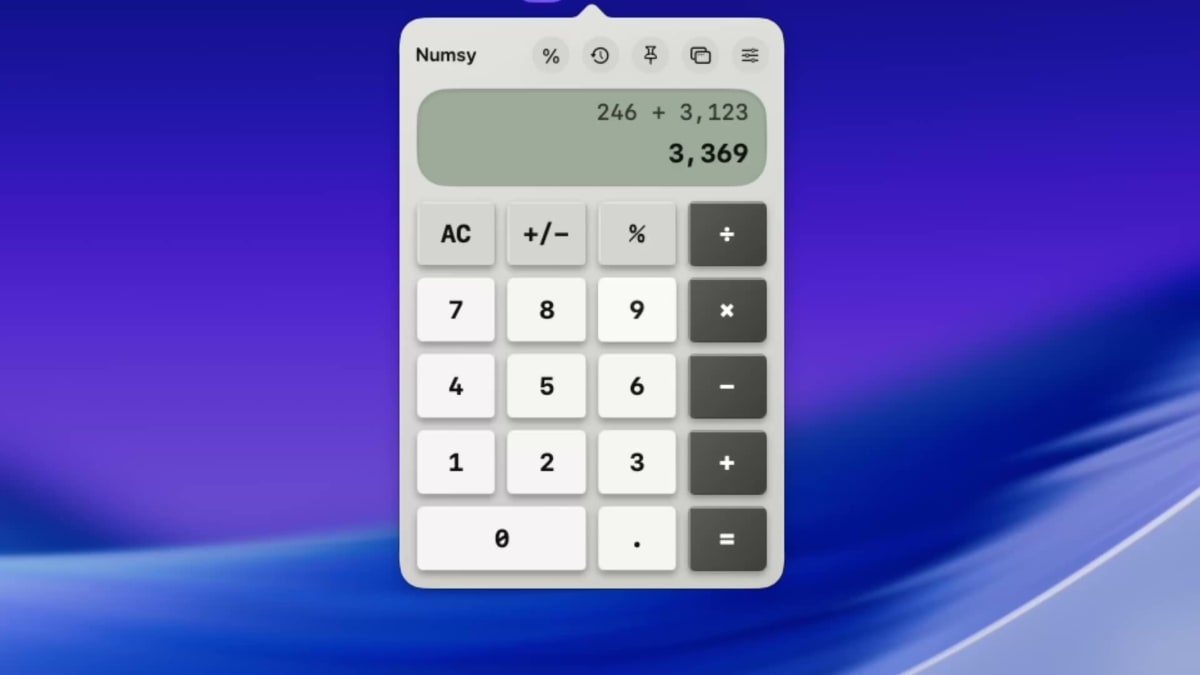
Klaar om het zelf te proberen?
Download in de App StoreGa verder waar je gebleven was
Numsy bewaart je actieve berekening, zodat je nooit getallen of voortgang verliest bij het sluiten.
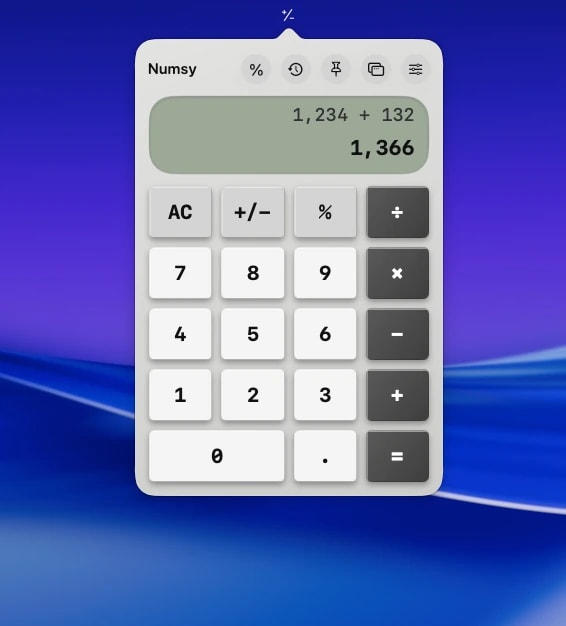
Ga verder waar je gebleven was
Preview media will render here upon upload
Direct percentages & btw berekenen
Bereken fooien, btw en kortingen binnen enkele seconden met handige sneltoetsen.
Geschiedenisstrook van 15 berekeningen
Krijg direct toegang tot je recente resultaten en hergebruik getallen zonder ze opnieuw in te typen.
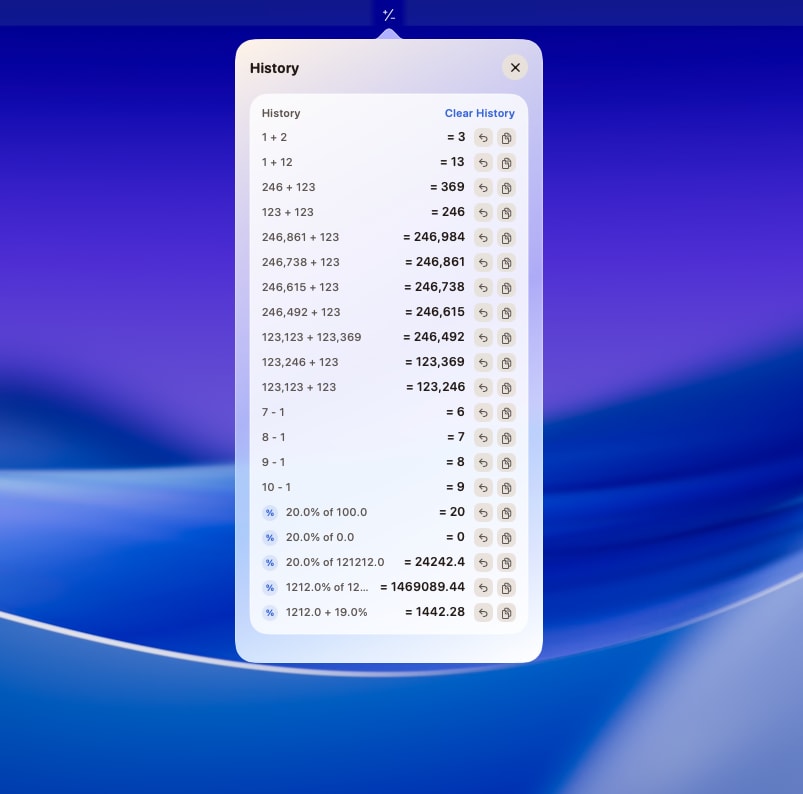
Geschiedenisstrook van 15 berekeningen
Preview media will render here upon upload
Snelle RPN-modus
Los complexe formules sneller op met Reverse Polish Notation – zonder haakjes of gelijkteken.
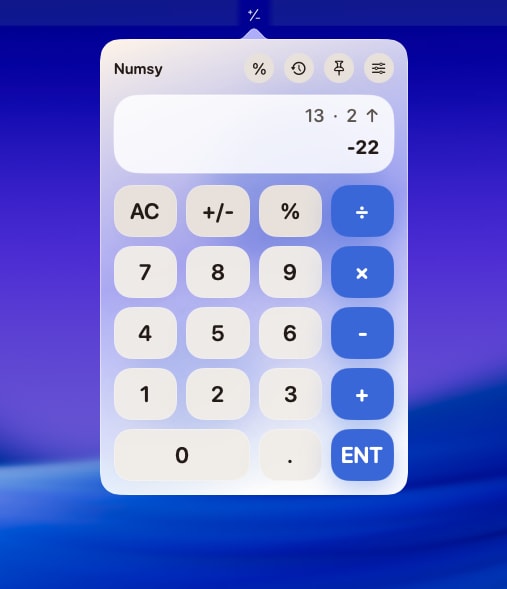
Snelle RPN-modus
Preview media will render here upon upload
10 unieke designthema's
Schakel soepel tussen Braun-, Nord-, Cyberpunk- en klassieke stijlen voor lichte en donkere modus.
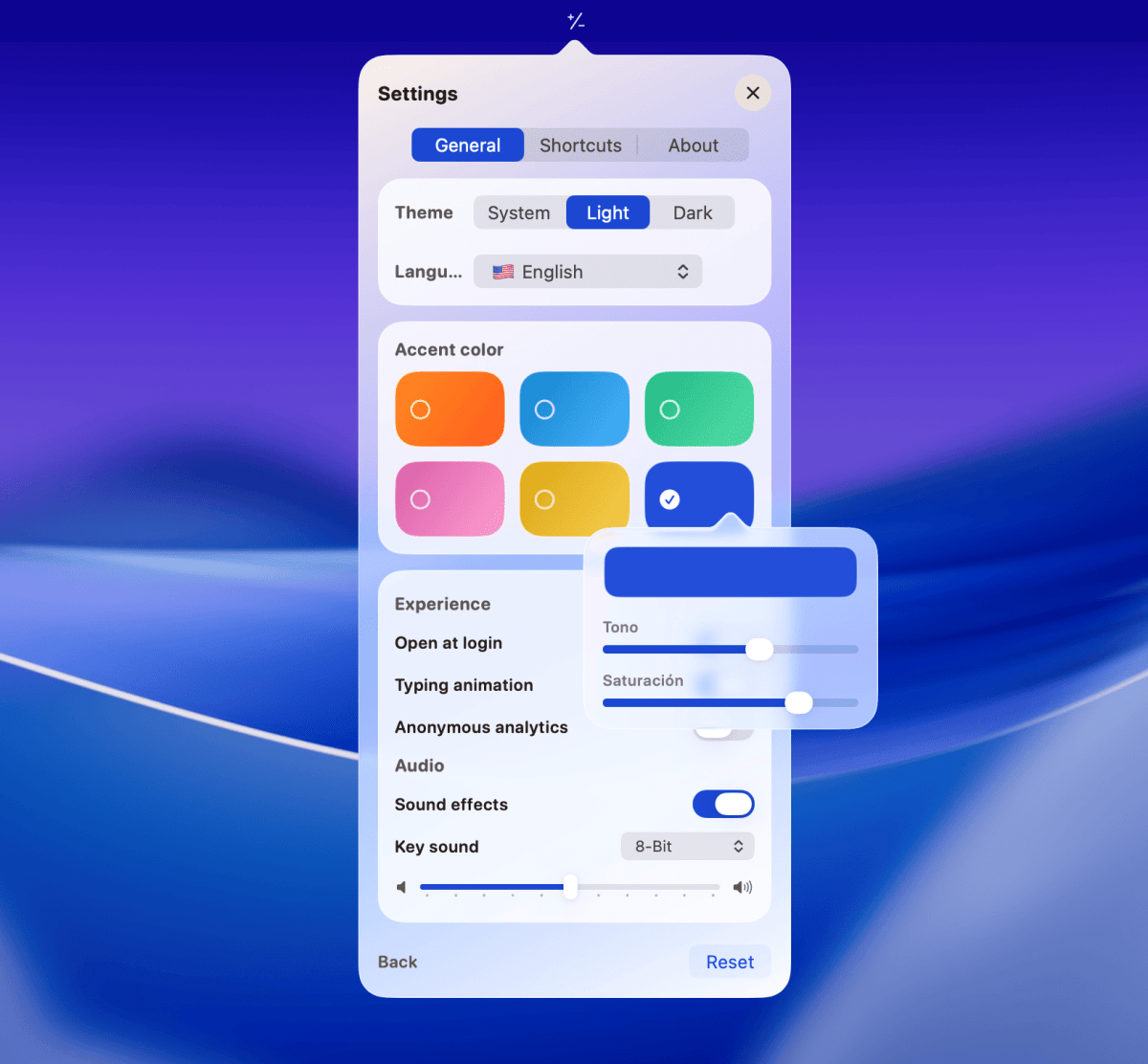
10 unieke designthema's
Preview media will render here upon upload
Veelgestelde Vragen
Alles wat je moet weten over Numsy.
Geliefd bij meer dan 100 gebruikers
Wat mensen zeggen die de app dagelijks gebruiken.
Einfach, schnell, unkompliziert
"Echt brauchbare und nützliche App. Macht was sie soll, funktioniert wunderbar und ist fast unsichtbar. Perfekt"
Simple app. Look beautiful. Works great.
"It’s literally what it says. Doesn’t try to pack 50 different features into a the small simple menu bar app. Keyboard shortcut makes it super easy to access. The themes are nice. One request: please allow different sizes for the calculator. I actually find the numbers to be very big and it feels like using a calculator made for older people with bad eyes. I understand many people might like the size so an ability to choose different sizes would be nice."
Perfetta!
"Ottima alternativa alla calcolatrice di sistema che tenevo sul dock. Averla nella barra in alto, mi fa recuperare spazio per altre icone. Bella, funzionale e utile."
Bien conçu !
"Numsy is really pleasant."
Excepcional
"Hasta el momento nunca me ha fallado."
操作感が良く、かわいい
"数字をキーボード入力できるのが良く、タップ音や入力音が出るのもかわいいです! 割合計算を数式ではなくジェネレーターで計算できるのも珍しくて、地味に良さそうです。 ただ、ウィンドウをポップアップすると、消せなくなった(消せるボタンがあるのかもしれませんが、見切れているのか表示されない)ので、そこだけ直してほしいです。 あとは数字をコピペで入力できるようになるとより良いです。"
Einfach, schnell, unkompliziert
"Echt brauchbare und nützliche App. Macht was sie soll, funktioniert wunderbar und ist fast unsichtbar. Perfekt"
Simple app. Look beautiful. Works great.
"It’s literally what it says. Doesn’t try to pack 50 different features into a the small simple menu bar app. Keyboard shortcut makes it super easy to access. The themes are nice. One request: please allow different sizes for the calculator. I actually find the numbers to be very big and it feels like using a calculator made for older people with bad eyes. I understand many people might like the size so an ability to choose different sizes would be nice."
Perfetta!
"Ottima alternativa alla calcolatrice di sistema che tenevo sul dock. Averla nella barra in alto, mi fa recuperare spazio per altre icone. Bella, funzionale e utile."
Bien conçu !
"Numsy is really pleasant."
Excepcional
"Hasta el momento nunca me ha fallado."
操作感が良く、かわいい
"数字をキーボード入力できるのが良く、タップ音や入力音が出るのもかわいいです! 割合計算を数式ではなくジェネレーターで計算できるのも珍しくて、地味に良さそうです。 ただ、ウィンドウをポップアップすると、消せなくなった(消せるボタンがあるのかもしれませんが、見切れているのか表示されない)ので、そこだけ直してほしいです。 あとは数字をコピペで入力できるようになるとより良いです。"
Eén collectie. Essentiële utilities.
Elke app is speciaal gemaakt voor je menubalk, gericht op rust en productiviteit.